Crash course
How to play
Every multiplayer game here works the same way. Learn it once, then you can start or join any game in under a minute.
The four steps
Creating a game
- Type a name. It's what the other players see at the table. You don't need an account.
- Tap Create New Game. You become the host and land in the lobby.
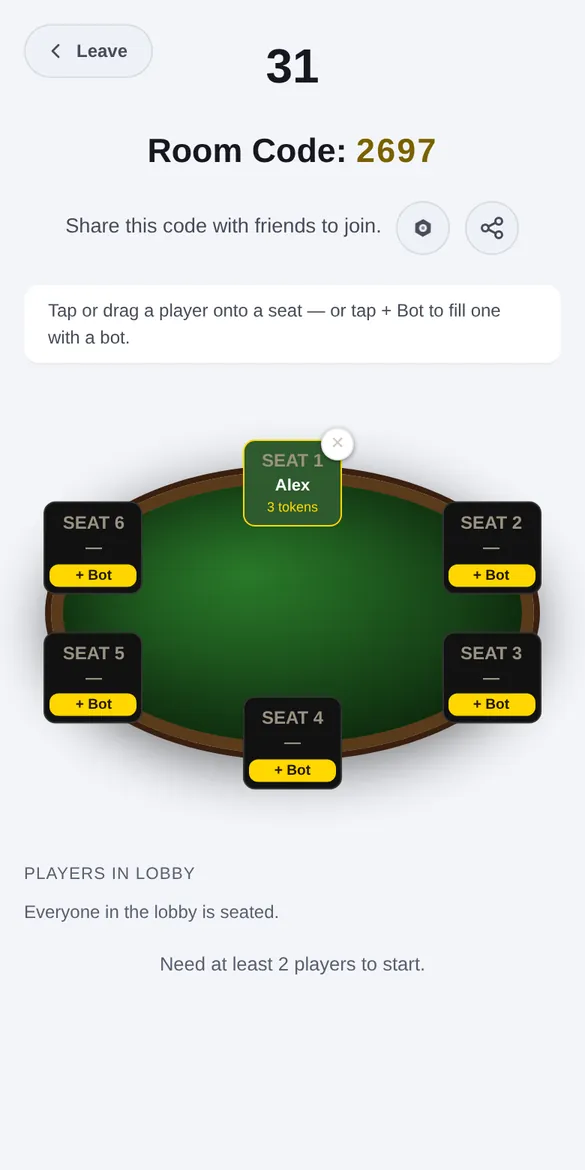
- Share the room code. The 4-digit code is at the top of the lobby, and there's a share button next to it. Anyone who enters it joins your table.
- Arrange the table. Players sit in seats. As host you can tap or drag a player onto a different seat.
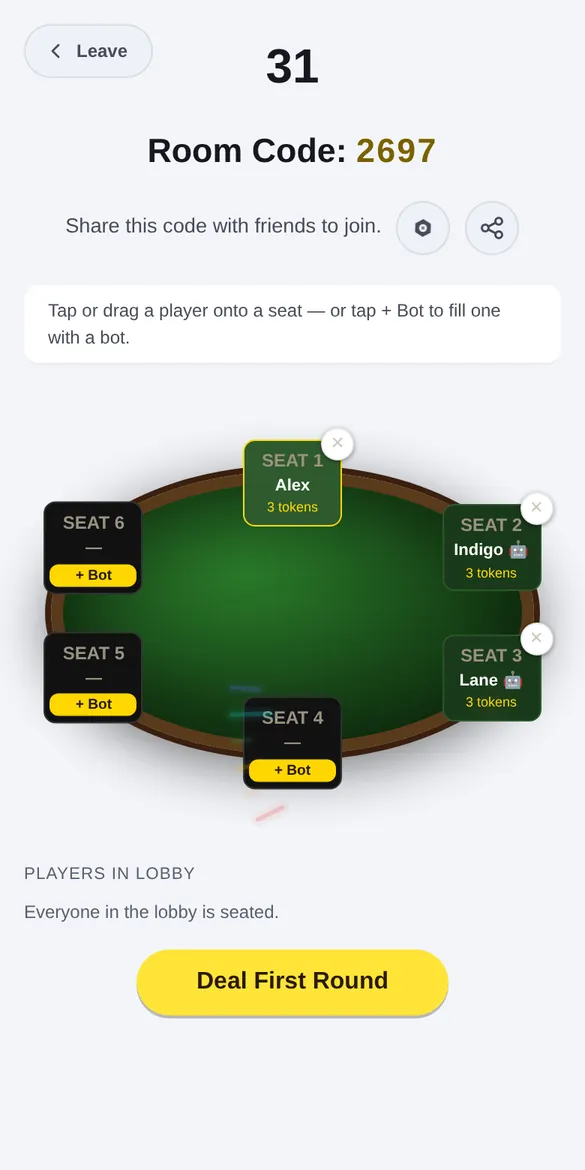
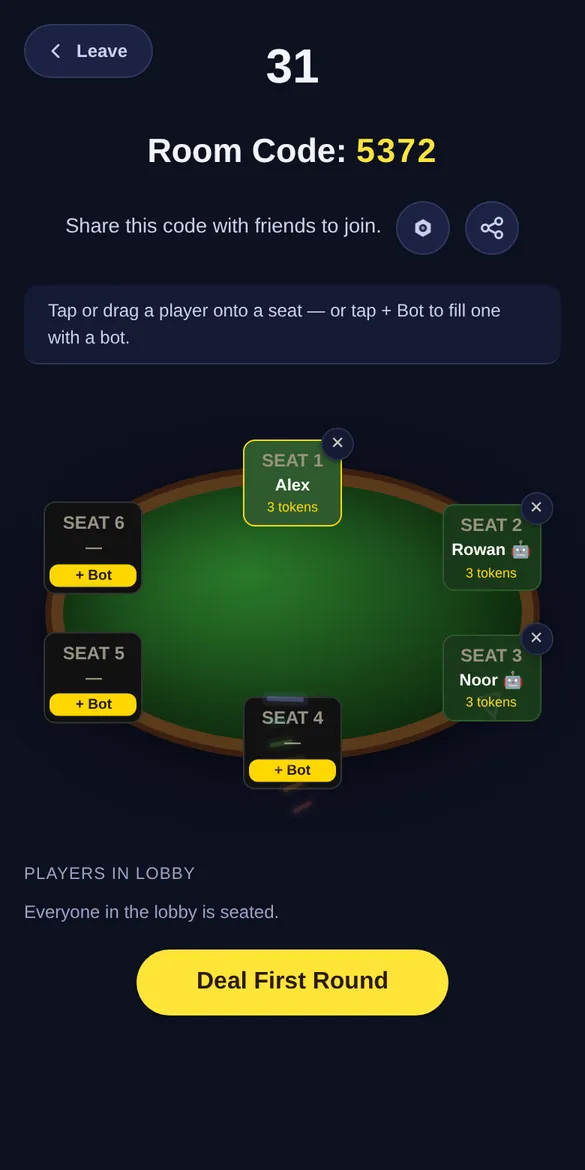
- Add bots if you like. Tap + Bot on an empty seat and a computer player fills it. Good for practice, or when you're a player short.
- Start. The start button tells you if you still need more players. When it lights up, tap it.
Joining a game
- Get the room code from the person hosting.
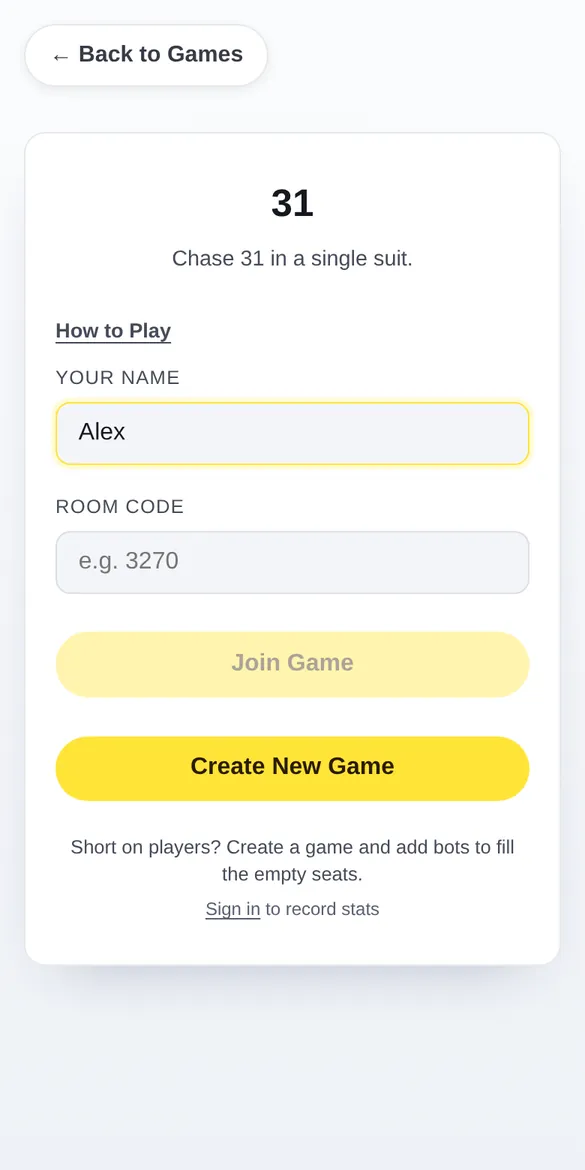
- Open the same game, type your name and the 4-digit code, then tap Join Game.
- Or use an invite. If you're signed in and a friend invites you to a game, a Join button pops up on your screen.
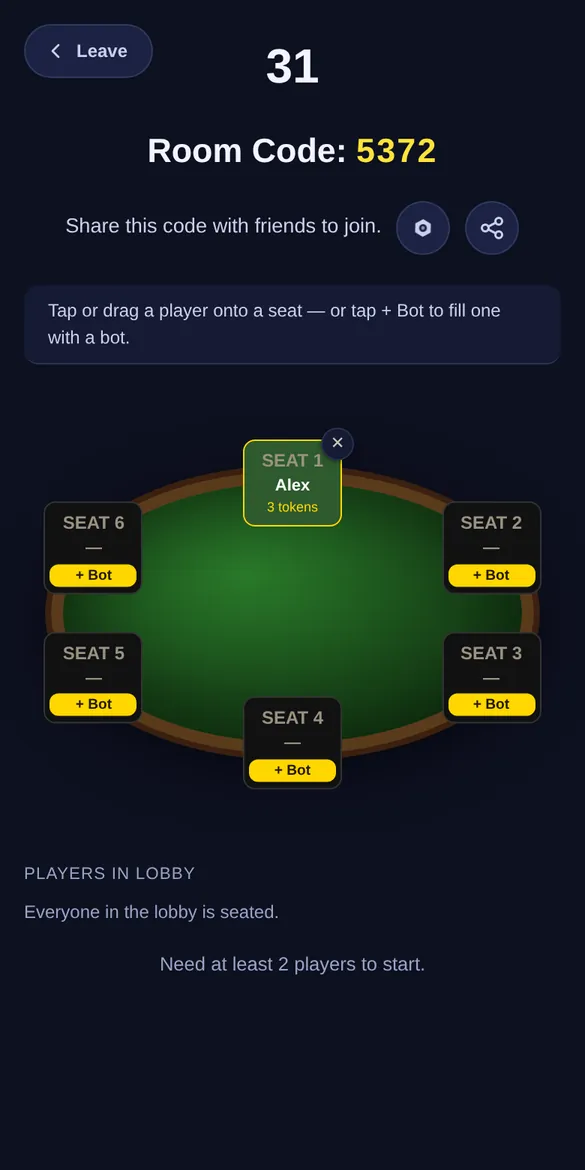
- Wait in the lobby until the host starts. You can open the gear icon to change your theme, card back and color while you wait.
Good to know
Do I need an account?
No. Type a name and play. If you sign in, your results count toward your stats and the leaderboards.
Where are the rules for each game?
Most games have a How to Play button on their start screen or behind the gear icon. This page is about getting into a game; that button explains how to win it.
Can I play alone?
Yes, in most games. Create a game and fill the other seats with bots.
Does it cost anything?
No. Content on this site is free and always will be.
I'm stuck or something looks wrong.
Write to us at [email protected] or use the contact form.
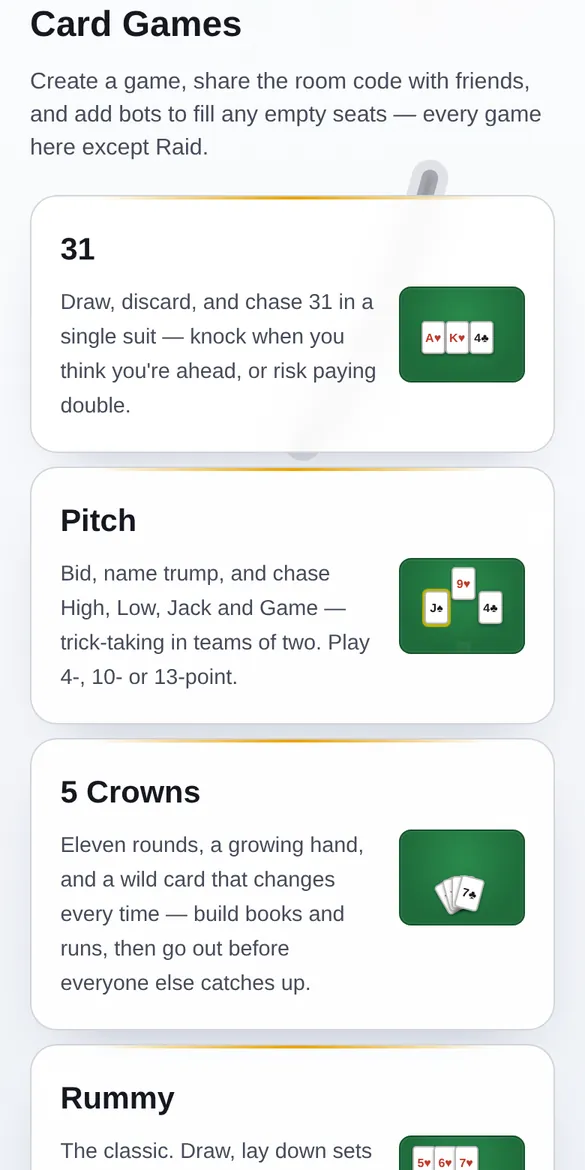
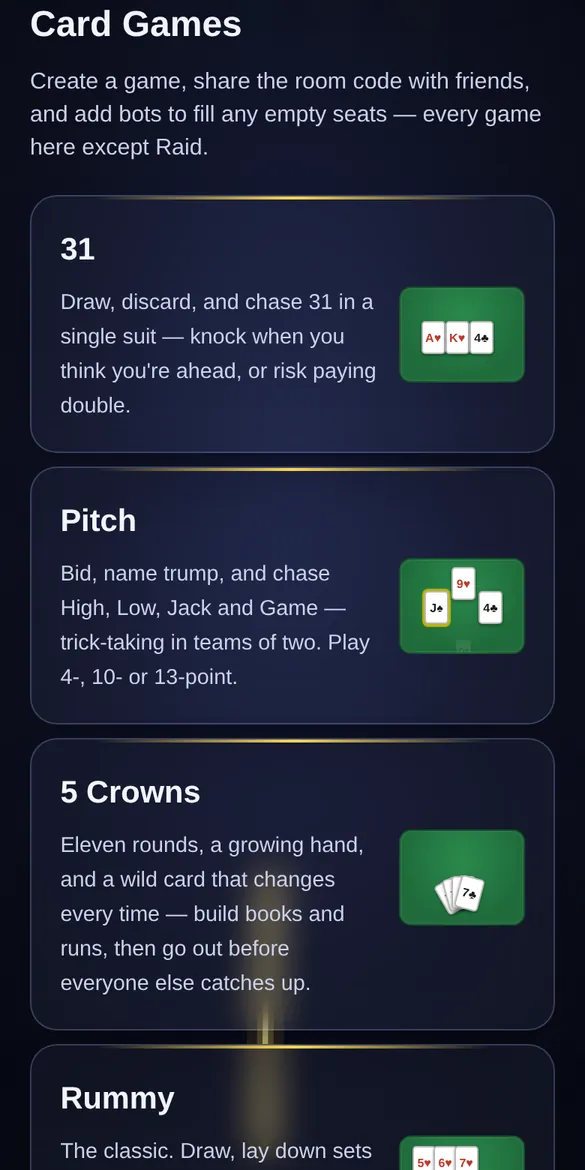
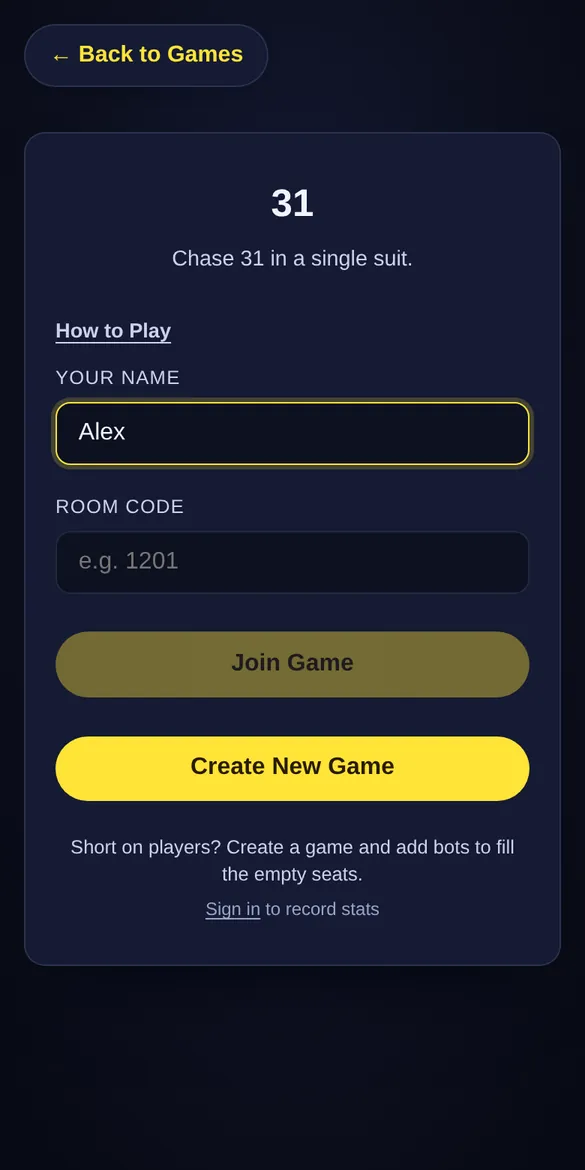
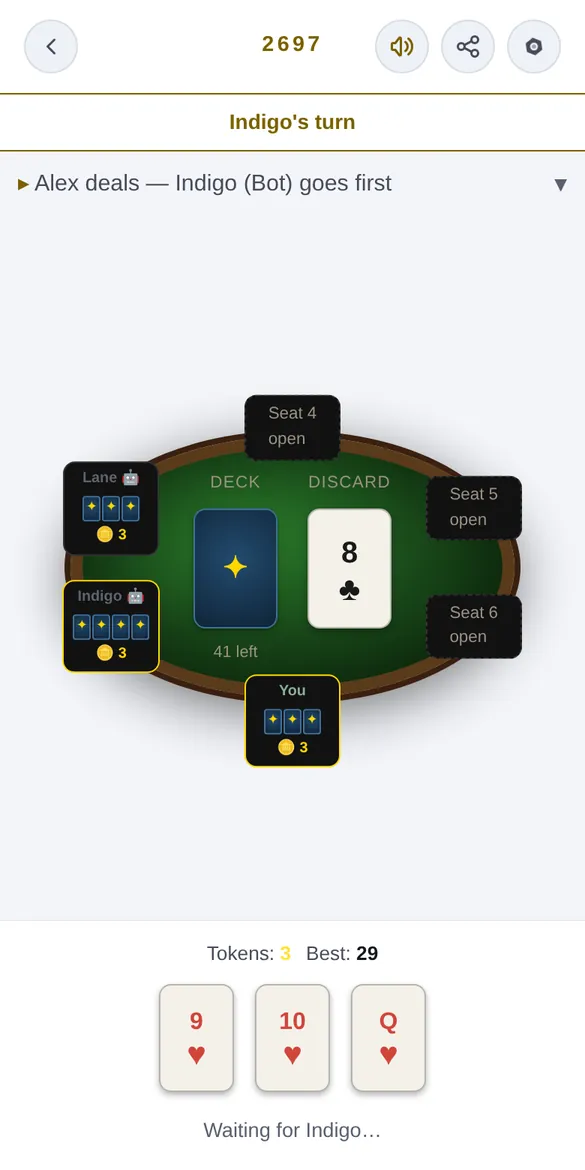
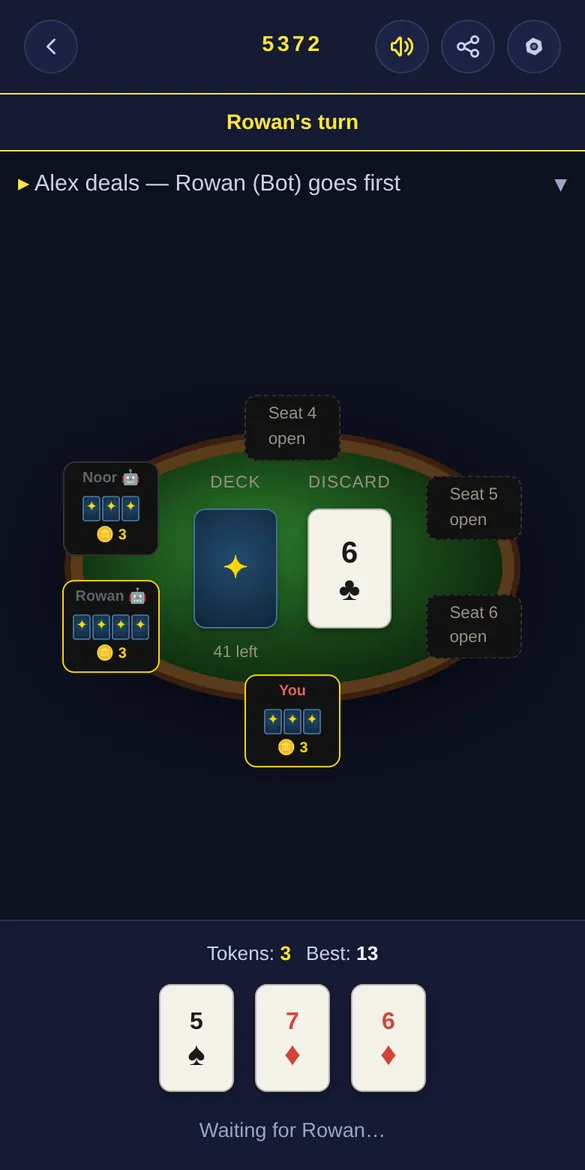
Watch it happen: 31
Here's a real game of 31, from the games page to the first hand. Use the buttons or tap a step.